

 0
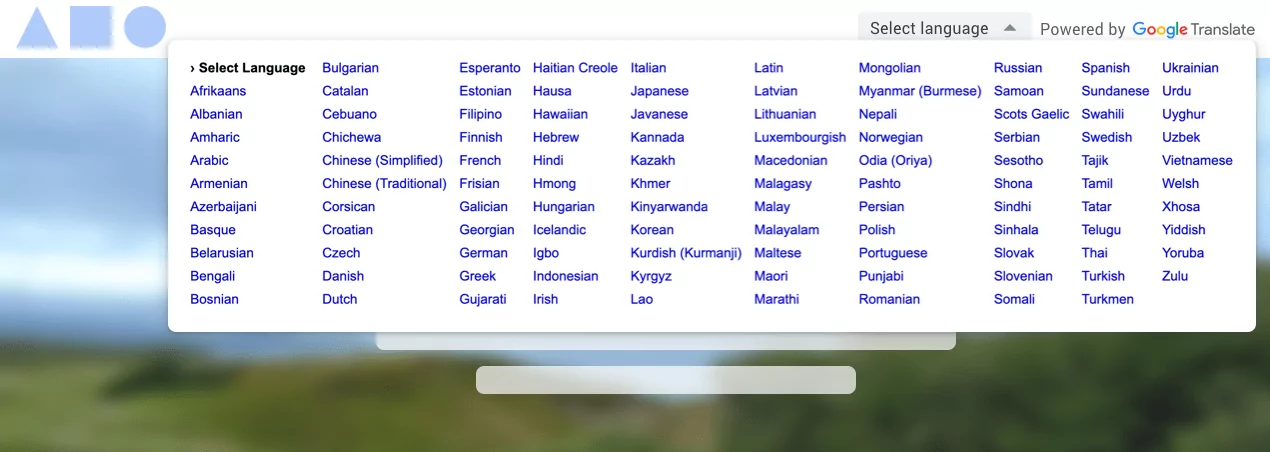
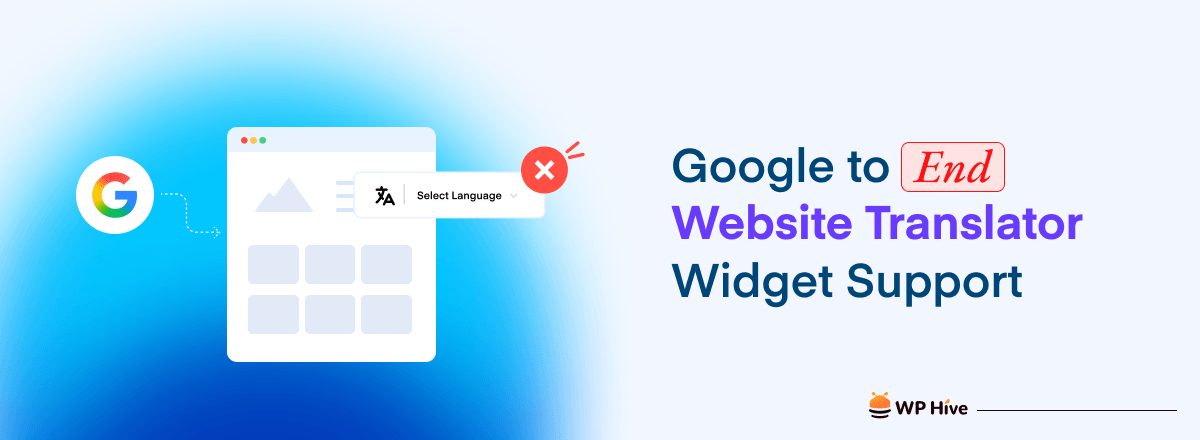
0 Google is retiring its Website Translator Widget on October 1, 2026. The announcement does not mean Google Translate itself is shutting down. Google is ending support for the specific embeddable widget that website owners could add to their pages.
For years, that widget gave site owners a simple way to offer visitors on-page translation without building a translation system from scratch. Now it is going away, and websites still running the widget need a replacement before the deadline.
Know What Google Is Actually Retiring
The product being retired is the Google Translate Website Translator Widget.
This widget let site owners add a language selector to their pages with a small JavaScript snippet. Visitors could pick a language and have the page translated automatically in the browser.
Google had already restricted access to this widget over the past several years. In 2019, Google stopped issuing new widget installations for commercial websites. Then in 2020, Google reopened limited access for government, nonprofit, academic, and non-commercial websites to help with COVID-19 communication. Google’s official blog post, updated on September 1, 2026, now confirms the widget will no longer be supported starting October 1, 2026.
Google Translate as a consumer product is not going away. The change affects only the embeddable website widget. Google also continues to offer its Cloud Translation API for developers who need programmatic translation.
Quick summary
Google Translate (the consumer product) — still available.
Google Cloud Translation API — still available for developers.
Google Translate Website Translator Widget — retired October 1, 2026.
Understand Why Google Is Ending the Widget
Google’s current direction points website owners toward its developer-focused translation tools rather than the old embedded widget.
The Google Cloud Translation API lets developers integrate translation directly into websites and applications. It supports neural machine translation along with more advanced options, and it gives developers considerably more control over how translation works.
However, the old widget and the Cloud API serve very different audiences.
The widget was designed around simplicity. Add it to your page, pick some languages, and let visitors translate. The Cloud Translation API follows a different model. You connect your application, authenticate with Google Cloud, send content for translation, and build the translation experience yourself.
For a development team, that extra control can be useful. For a small WordPress site owner who simply wants a language dropdown, an API integration is a much bigger lift.
Check Whether Your Site Uses the Widget
If you are not sure whether your website uses the retiring widget, search your site’s code or templates for references like these.
google_translate_elementgoogleTranslateElementInitgoogle.translate.TranslateElementtranslate.google.comtranslate_a/element.js
WordPress users should also check their installed plugins. You may not have added Google’s widget yourself. A translation plugin could be loading it in the background.
Review Your WordPress Translation Plugins
The retirement is particularly relevant to WordPress because the platform has a long history of plugins built around Google’s translation technology.
WP Hive’s plugin directory lists several examples. Prisna GWT (Google Website Translator) was built specifically around Google’s automatic translation service.
Other plugins such as WP Translate, Advanced Google Translate, and WP Auto Translate Free have also used Google-powered translation features.
That does not mean every plugin using Google Translate is automatically affected. The important question is which Google translation technology the plugin uses. If a plugin relies specifically on the retiring Website Translator Widget, its developer needs to provide an alternative.
So if you run a WordPress site, check your translation plugin’s latest version, changelog, documentation, and support page before making changes yourself.
Explore the Alternatives
There is no single universal replacement for Google’s widget. The right option depends on what your website’s translation system needs to do.
Use Google Cloud Translation API
Google’s own replacement path is the Cloud Translation API. It is suitable for developers who want to build translation into a website, application, or custom workflow.
The API offers more flexibility than the old widget. However, it is not a one-click replacement. You need to set up a Google Cloud project, handle authentication, send content to the API, and decide how translated content appears on your site.
Pricing
Google Cloud Translation charges $20 per million characters for standard Neural Machine Translation. The first 500,000 characters per month are free. Source: Google Cloud Translation pricing
That makes the API more appropriate for developers and businesses that need fine control over their translation workflow.
Try GTranslate as a Google Alternative
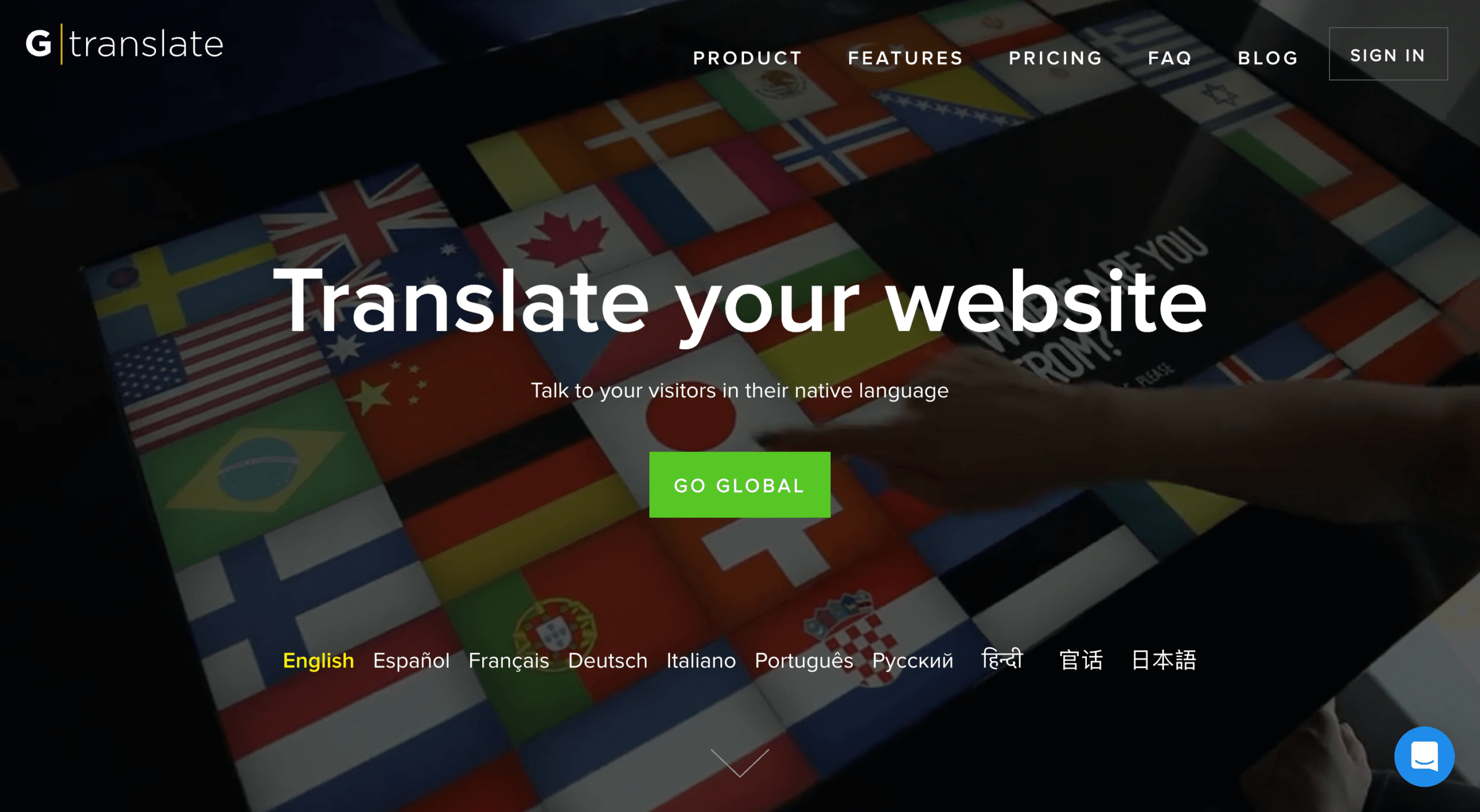
GTranslate is another option for website owners looking for a direct replacement for the old Google Translate widget.
GTranslate provides its own website translation widget along with WordPress, Joomla, and Drupal integrations. Its service can automatically translate website content. Depending on the plan, it also provides features such as editable translations, translated URLs, and multilingual SEO capabilities. GTranslate has also responded directly to Google’s announcement, positioning its widget as an alternative for websites affected by the retirement.
For WordPress users who primarily want a straightforward replacement for a website translation widget, this type of dedicated translation service is easier to manage than building a Cloud Translation API integration from scratch.
Recognize Why a Widget Is Not a Multilingual Website
This is perhaps the biggest consideration for website owners making the switch.
A translation widget primarily helps visitors understand your existing content. A multilingual website does much more.
A proper multilingual setup can include separate URLs for different languages, translated page titles and descriptions, search-engine-indexable translated pages, hreflang implementation, language-specific navigation, translated image alt text, multilingual sitemaps, and editable translations.
These features matter if you want to attract organic traffic from people searching in other languages.
WP Hive has previously covered this topic in its guide on how to create a multilingual WordPress website. The guide explains how WordPress site owners can use multilingual plugins to translate posts, pages, themes, categories, and other content.
So before you replace the old widget with another widget, ask whether a widget is actually what you need. If you only need visitor-side translation, a widget may be enough. If you want to rank translated pages in Google and build an international audience, you may need a complete multilingual setup.
Take These Steps Before October 1
If your WordPress site uses Google’s Website Translator Widget, you do not need to panic. But you should not wait until October either.
Test your replacement thoroughly. Language switcher, translated pages, navigation, forms, WooCommerce checkout, mobile experience, page speed, URLs, and SEO metadata all need to work. A translation solution can appear to work while quietly breaking another part of your site.
Review your SEO setup. If you are moving from a simple widget to a full multilingual solution, check your translated URLs, canonical tags, hreflang attributes, and sitemaps. This is especially important if your translated pages already receive search traffic.
Check your plugin developer’s plans. The retirement of Google’s widget does not necessarily mean your existing translation plugin will stop working. Some developers may switch to another translation service or API. Check for an update before you replace the plugin yourself.
Frequently Asked Questions
Will the widget stop working exactly on October 1?
Google says the widget will “no longer be supported” after October 1, 2026. The announcement does not confirm that every existing installation will break at exactly midnight. However, continuing to rely on an unsupported service after that date is not a good long-term strategy.
Does this affect Google Translate on my phone or in my browser?
No. Google Translate as a consumer product, including the mobile app and browser-based translation, is not affected. Only the embeddable Website Translator Widget for site owners is being retired.
Can I still use Google’s translation technology for free?
Google Cloud Translation API offers 500,000 free characters per month. Beyond that, pricing starts at $20 per million characters. The API requires a Google Cloud project and billing setup, even if you stay within the free allowance.
Is there a free widget-style alternative?
GTranslate offers a free Website Translator Widget for qualifying non-commercial websites such as personal, educational, nonprofit, and government sites. Commercial websites would need a paid GTranslate plan or another solution.
Should I switch to a multilingual plugin instead of another widget?
It depends on your goals. If you only need visitor-side translation, a widget replacement like GTranslate can work. If you want translated pages indexed by search engines and you want to build organic traffic in other languages, a multilingual plugin is a better long-term investment.
The Bottom Line
Google’s Website Translator Widget will no longer be supported starting October 1, 2026. For website owners still using the old widget, the immediate task is straightforward. Find out whether you are affected and choose a replacement before the deadline.
For developers, Google Cloud Translation API provides a more flexible route. For WordPress users who want a simpler solution, services like GTranslate provide other paths.
And if your website depends on international search traffic, this may be a good opportunity to go beyond a basic translation widget and build a proper multilingual SEO strategy.
The old Website Translator Widget is going away. Website translation is not. October 1, 2026, is a date worth putting on your calendar.




 Email Subscription Request


Add your first comment to this post