

 0
0 Your products are ready. Your store is live. But your product pages still don’t look the way they should, and you know it’s costing you sales.
Maybe you’re waiting on a photographer. Maybe the editing is taking longer than expected. Maybe you looked into virtual try-on and quickly realized it’s either too expensive or too complicated to set up.
Whatever the bottleneck, the result is the same: products sitting unpublished, pages that don’t do justice to what you’re selling, and customers leaving without buying.
TryAura was built to fix that completely, and from inside WordPress.
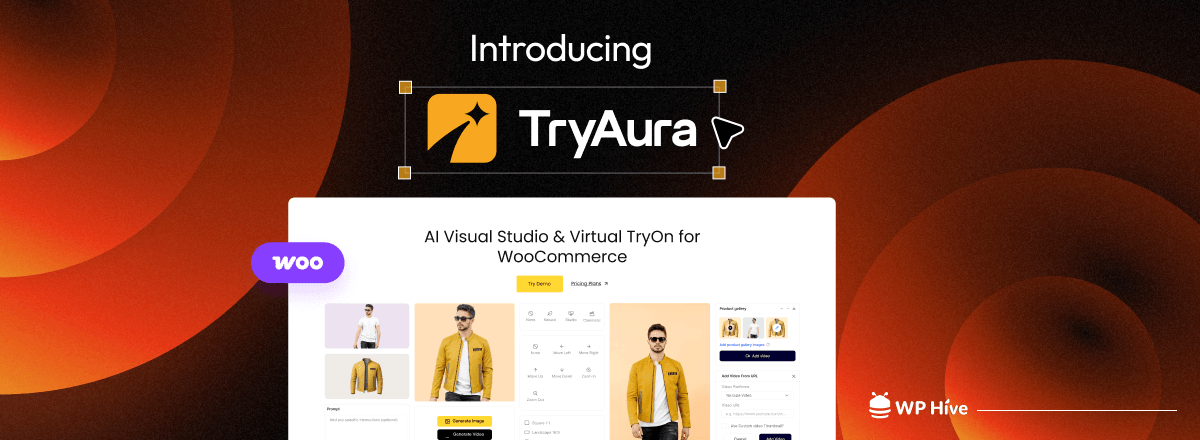
It’s an AI-powered WooCommerce plugin that lets you generate professional product images, create short product videos, and offer virtual try-ons to your customers, all without leaving the platform you already work in.
Quick Navigation
Why Product Visuals Are Still a Bottleneck for Most WooCommerce Stores

Talk to any WooCommerce store owner and the same frustrations come up: photoshoots are expensive and slow, edited images arrive inconsistently, and virtual try-on sounds great in theory but requires enterprise pricing or custom development to actually implement.
The tools that do exist tend to solve only one part of the problem. You might find an AI image generator, but it lives outside WordPress and saves nothing to your media library. You might find a virtual try-on widget, but it requires a third-party account and a separate setup process.
TryAura is built around a simpler idea: all of that should work in one place, inside WooCommerce, the way your other product settings already do.

Built by weDevs: Creators of Trusted WordPress Products
TryAura is built by weDevs, the team behind trusted WordPress products like Dokan, WP User Frontend, WP Project Manager, and FlyWP.
We’ve spent years helping businesses succeed with WordPress. With TryAura, we’re bringing that same commitment to eCommerce by making AI-powered product visuals simple, accessible, and built specifically for WooCommerce.
What TryAura Actually Does for Your Online Store
Let’s have a look at what TryAura can do for your product visuals. It can make both images and videos with its AI-powered engine.
Generate Studio-Quality Product Images From Photos You Already Have
You don’t need a new photoshoot to get better images. With TryAura’s AI image generation, you upload what you already have, and the plugin produces clean, professional product visuals in minutes right inside the WooCommerce product editor.
You can choose from built-in visual presets including studio-style, lifestyle, and plain background options. You can also write a custom prompt if your brand has specific visual requirements. All generated images are saved directly to your WordPress Media Library, so they’re immediately ready to use anywhere on your site, product pages, galleries, landing pages, wherever you need them.
Let Customers See How Products Look on Them – Right on the Product Page
Virtual try-on has always made sense for fashion, accessories, and lifestyle products. The problem has always been implementation. TryAura solves that with a single toggle in the product editor.
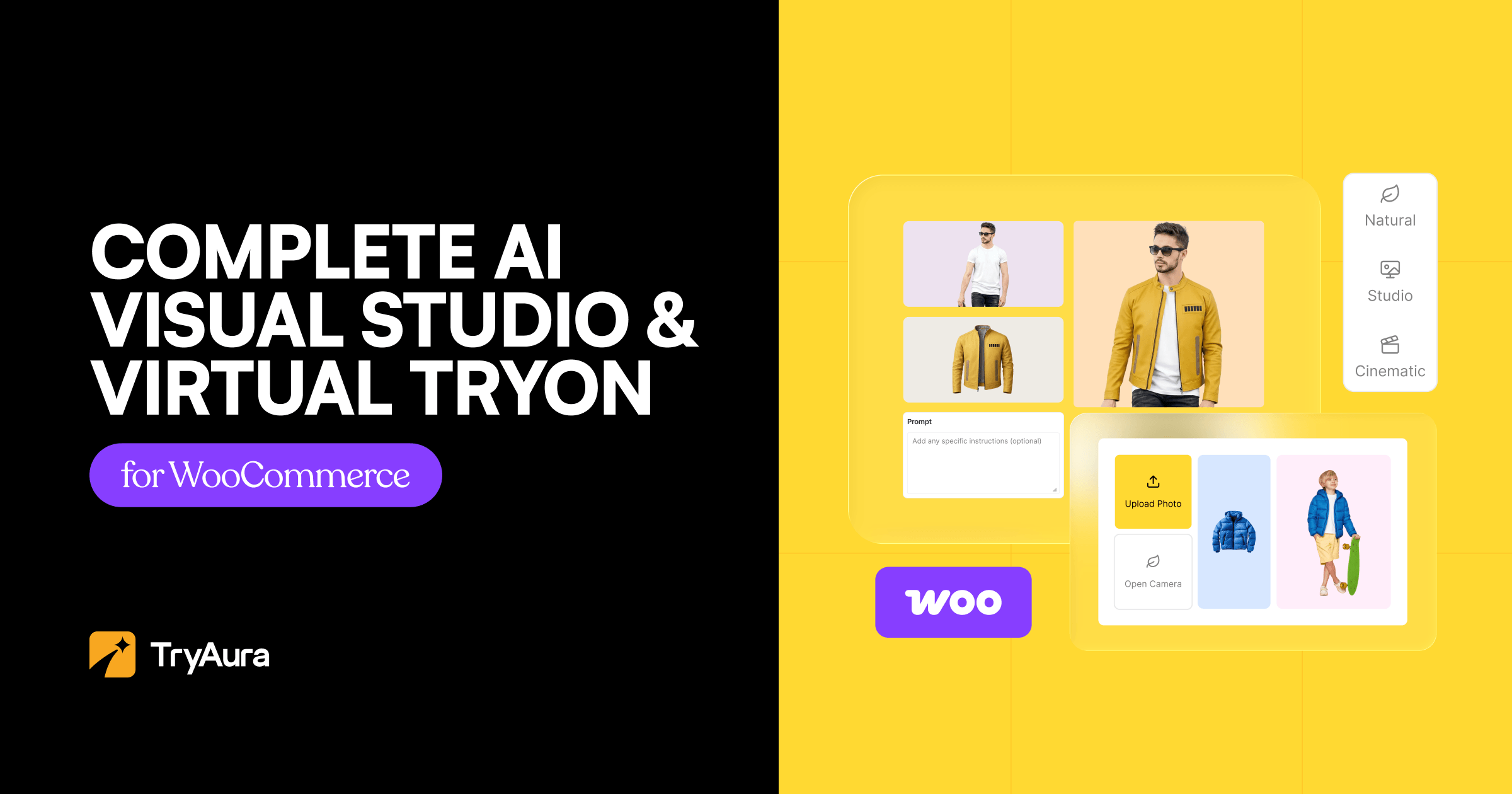
Once enabled, customers can upload a photo or use their device camera to preview how a product looks on them, without leaving the product page, without creating an account, and without any separate app. If a customer doesn’t want to use their camera, they can upload a photo instead; the experience works either way.
Customer photos are not stored on your website’s backend. They’re used to generate the preview and that’s it, which means your store stays privacy-friendly without any extra configuration on your part.
You control which products show the try-on option. Enable it where it makes sense, skip it where it doesn’t.
Turn Product Images Into Short Videos, Without a Production Budget (Pro)
Static images work. Videos work better, especially for social media, ads, and customers who want to see a product from more than one angle.
TryAura Pro lets you generate short product videos directly from your existing product images. No external video tool, no production timeline, no additional budget. Generated videos are saved to the WordPress Media Library and can be published on product pages, in galleries, or used across your marketing channels.
Keep Your Entire Catalog Visually Consistent
One of the less obvious costs of juggling multiple photographers and tools is catalog inconsistency. Products shot at different times, with different lighting, in different styles, make even a great product lineup look unpolished.
TryAura’s visual presets and creative controls are built to solve this. You apply the same preset style across products and variations, and the generated visuals maintain consistent composition, proportions, and background treatment throughout. Your store ends up looking intentional, like someone actually thought about the visual identity even when you’re working on your own.
You Pay Google’s API Rate – Not TryAura’s
Most AI tools either charge per generation or bundle usage into monthly credits that expire whether you use them or not. TryAura takes a different approach.
With Bring Your Own Key (BYOK) support, you connect your own Google Gemini API key directly in the plugin settings. You pay Google’s standard API rate with no TryAura markup on top. There are no credit ceilings, no usage anxiety, and no surprise overage fees. If you need to generate 10 images this week and 200 next month, the workflow scales without changing your costs in ways you can’t predict.
Everything About TryAura Lives Inside WordPress
TryAura isn’t integrated with WordPress. It is WordPress-native, and that distinction matters.
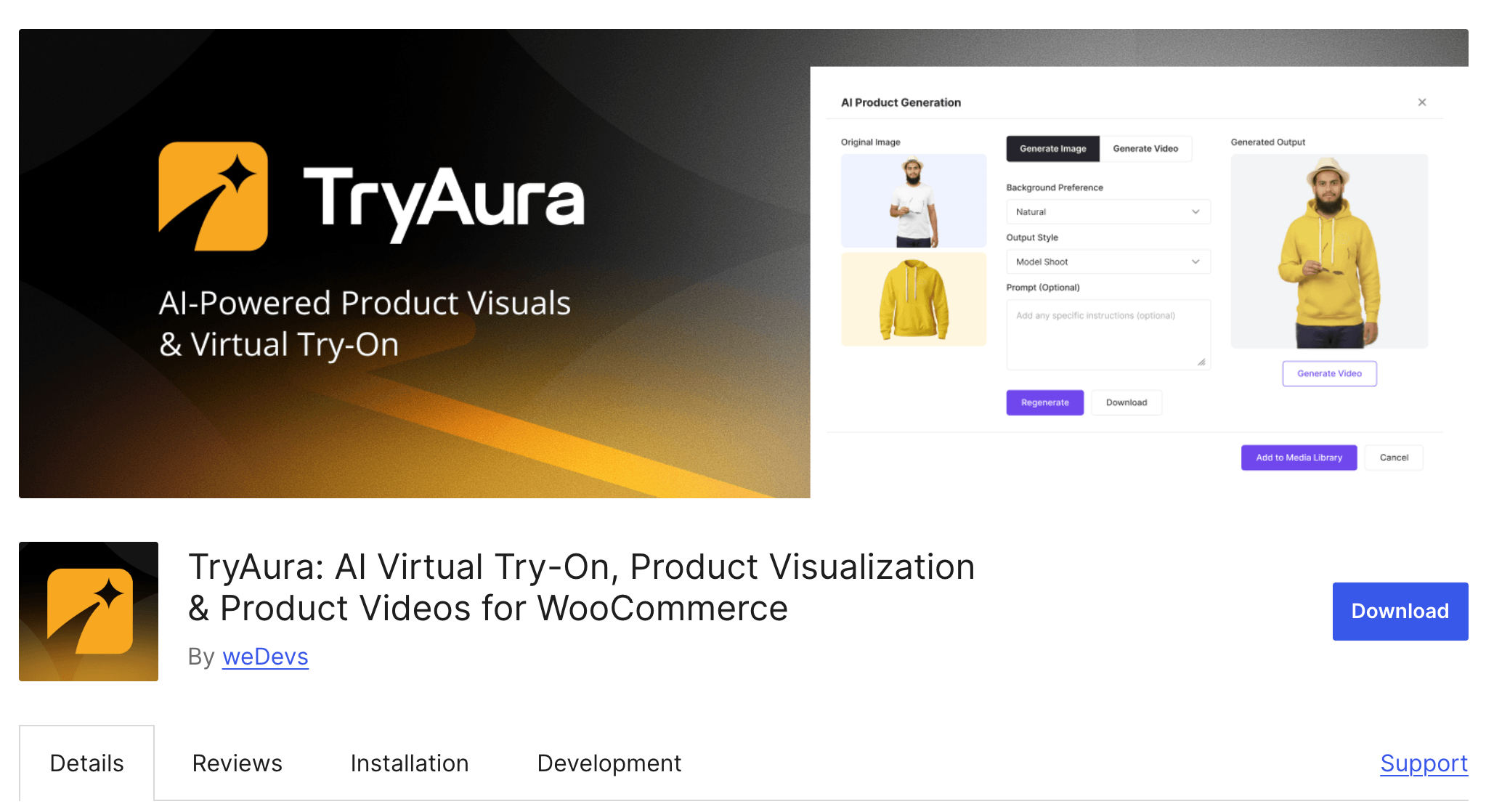
Everything happens inside the WooCommerce product editor. You generate images, enable try-on, create videos, and manage assets all in the same dashboard where you already manage your products.
Generated images and videos go straight to the WordPress Media Library. Nothing needs to be re-uploaded, re-linked, or moved between platforms.
If you already know how to edit a product in WooCommerce, you already know how to use TryAura.
How TryAura Compares to Other Virtual Try-On Tools
| Feature | TryAura | Tryly.ai | TryLoom | TryonX |
|---|---|---|---|---|
| AI Product Image Generation | ✓ | ✗ | ✗ | ✗ |
| Virtual Try-On (WooCommerce) | ✓ | ✓ | ✓ | ✓ |
| Product Video Generation | ✓ (Pro) | ✗ | ✗ | ✗ |
| Camera Capture Support | ✓ | ✗ | ✗ | ✗ |
| Per-Product Try-On Toggle | ✓ | ✗ | ✗ | ✗ |
| Fully Inside WordPress Dashboard | ✓ | ✗ | ✗ | ✗ |
| Media Library Integration | ✓ | ✗ | ✗ | ✗ |
| No External Account Required | ✓ | ✗ | ✗ | ✗ |
| Bring Your Own API Key (No Markup) | ✓ | ✗ | ✗ | Partial |
| Free Version Available | ✓ | ✓ | ✗ | ✓ |
| Customer Photo Privacy (No Storage) | ✓ | 72-hr deletion | ✗ | Depends |
Who TryAura Is Built For
TryAura is a good fit if any of these describe your situation:
- You run a WooCommerce store and product photography is your biggest time and cost drain
- You launch new products regularly and photoshoot timelines keep slowing you down
- Your catalog images are inconsistent and you don’t have a fast way to fix that
- You’ve looked at virtual try-on and found every serious option requires custom development or enterprise pricing
- You want images, videos, and try-on handled in one workflow without leaving WordPress
It’s also worth noting what TryAura isn’t: it’s not trying to replace all professional photography forever. Many store owners use it to supplement or extend existing product visuals, to get new products live faster, or to fix inconsistencies across a catalog without reshooting everything.
A Few Questions You Might Have About TryAura AI Plugin
What kinds of products work best with virtual try-on?
Fashion items, accessories, and other visually driven products tend to see the best results. Clear product images with good lighting and a clean background also help the AI produce more reliable output.
Does virtual try-on work if a customer won’t give camera access?
Yes. If camera access is denied or unavailable, customers can upload a photo instead. The experience continues without requiring camera permission.
Can I use TryAura on just some of my products?
Yes. Try-on can be toggled on or off for individual products from the product editor. This makes it easy to roll out gradually across a large catalog.
Does TryAura work with my current theme and page builder?
TryAura is compatible with default WooCommerce product templates and most WooCommerce-compatible themes. If you have a heavily customized product template, testing on a staging site first is recommended.
TryAura Pricing: Start Free, Scale When You’re Ready
The free version includes AI product image generation and virtual try-on using your own Google Gemini API key. It’s fully functional and available now from the WordPress plugin repository, no credit card required to get started.
TryAura Pro adds product video generation, advanced visual controls, and additional customization options. Pro plans start at $39 per year.
Ready to Stop Waiting on Photoshoots?
Every day a product page goes live without the right visuals is a day it’s working against you. TryAura gives you a way to fix that affordably, quickly, and without adding another tool to your stack.
Download the free version, connect your Gemini API key, and see what your product pages look like when the visuals actually do the selling.





 Email Subscription Request


Add your first comment to this post