


 0
0 “Booking plugin” covers more ground than it sounds like. A hair salon booking a haircut, a conference selling tickets, and a bed-and-breakfast taking reservations are all “booking,” but they need different tools. This list covers six plugins across three of the most common booking needs on WordPress: appointment scheduling, event booking and ticketing, and hotel or short-term accommodation reservations.
Each entry below was checked against the plugin’s official pricing and feature pages to make sure the details reflect what’s currently on offer, not last year’s numbers. Pricing is in USD unless noted otherwise, and figures can change, so it’s worth confirming current pricing directly with the vendor before buying.
Quick comparison
| Plugin | Best for | Free version | Starting paid price |
|---|---|---|---|
| Booknetic | Full-featured appointment scheduling | Yes | $45/year |
| BookingPress | Salons, spas, clinics, fitness centers, consultants, etc. | Yes | $99/year |
| Amelia | Appointmentsandeventticketingtogether | Yes | €49/year |
| Eventnetic | Event booking, ticketing, and seating | Yes | $99/year |
| LatePoint | Simple appointment scheduling | Yes | $79/year |
| EventsManager | General event calendars with bookings | Yes | $99/year (promo; $129regular) |
| MotoPressHotelBooking | Hotelandshort-termrentalreservations | Yes | $139/year |
1. Booknetic: appointment scheduling for service businesses
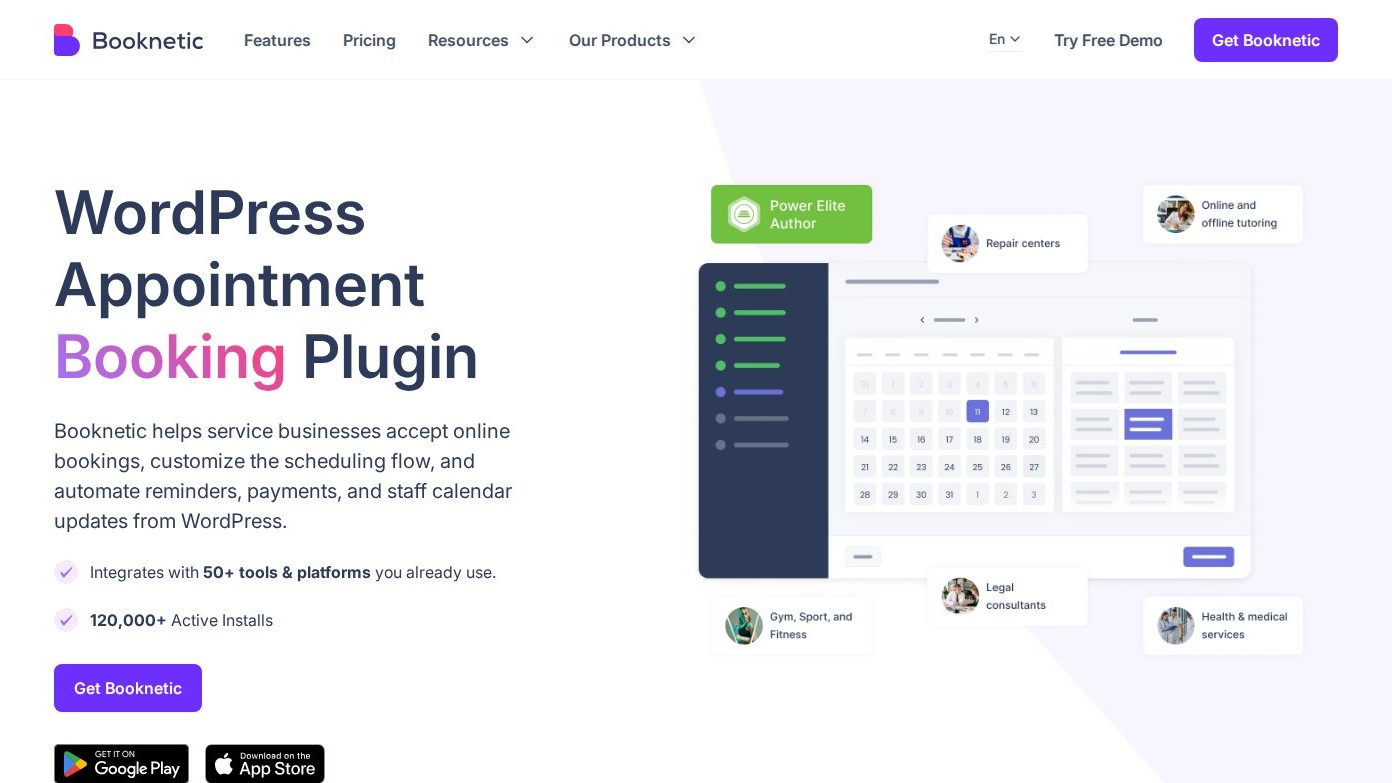
Booknetic is a WordPress-native appointment booking plugin built for salons, clinics, gyms, tutors, and similar service businesses that need more than a basic calendar form. The booking widget walks customers through service, staff, and time selection, while the admin side covers scheduling, payments, and customer communication from inside WordPress.
Standout features:
- Multi-step booking widget via shortcode, Gutenberg, Elementor, or Divi
- Workflow automation across email, SMS, WhatsApp, Telegram, and webhooks
- 50+ integrations, including Stripe, PayPal, Square, and two-way Google Calendar sync
- Group appointments, recurring bookings, packages, deposits, and loyalty points
- Multi-location support and white-labeling for agencies
Pros: deep feature set without needing a separate SaaS dashboard; strong automation options; built for agencies as well as single-location businesses.
Cons: the free tier is limited to on-site/local payment collection with no mobile app, advanced integrations, or add-ons; most real businesses need at least the Standard paid tier to get the full feature set; the admin has a learning curve given how much it covers.
Pricing: A free tier is available directly from Booknetic, covering core booking with local payment collection only. Paid annual plans start at $45/year (Basic, 1 site), with Standard at $99/year, Premium at $149/year (5 sites), and Elite at $299/year (unlimited sites, all payment gateways). Lifetime licenses are also available.
2. BookingPress: appointment booking for service businesses
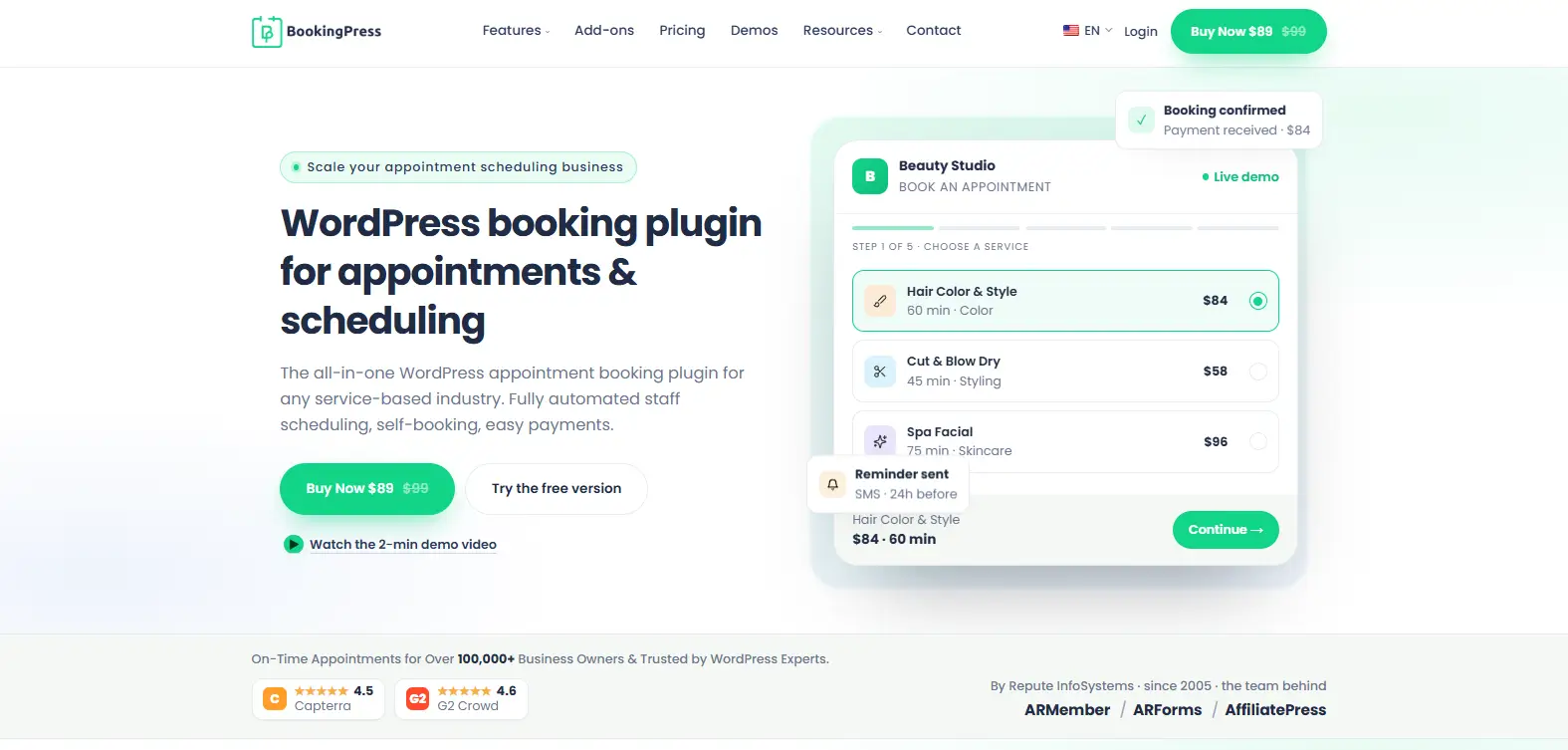
BookingPress is a WordPress appointment booking plugin designed for salons, spas, clinics, fitness centers, consultants, and other service-based businesses that want to automate appointment scheduling directly from their websites. It lets customers book appointments online while businesses manage services, staff schedules, payments, and customer notifications from a centralized WordPress dashboard.
The plugin offers a customizable booking interface, flexible appointment scheduling, online payment options, and automated notifications to simplify the entire booking process. Whether you’re managing a single service business or multiple employees and services, BookingPress helps reduce manual scheduling, minimize administrative work, and deliver a smoother booking experience.
Standout features
- Step-by-step booking wizard that lets customers select services, staff members, dates, and available time slots
- Unlimited services and appointments with a customizable booking form
- 22+ payment gateways, including PayPal, Stripe, Razorpay, and Square
- Automated email, SMS, WhatsApp, and Telegram notifications and reminders
- Google Calendar, Outlook Calendar, Zoom, and other third-party integrations
- Recurring appointments, service packages, gift cards, deposits, and discount coupons
- Multi-staff and multi-location booking management for growing businesses
- 60+ premium add-ons bundled with paid plans, with no additional add-on fees
Pros: Comprehensive appointment scheduling features within WordPress; flexible payment and notification options; premium add-ons bundled with paid plans; no booking commissions; suitable for solo professionals, growing businesses, and agencies.
Cons: Advanced features such as multi-location scheduling, recurring appointments, and service packages require an eligible paid plan. Businesses needing advanced staff management, integrations, and automation may need to upgrade from the free version.
Pricing: BookingPress offers a free version with unlimited appointments and services, a customizable booking form, PayPal payments, and email notifications. Paid annual plans start at $89/year for Standard (1 site), followed by $139/year for Professional (up to 3 sites) and $249/year for Enterprise (up to 20 sites). Lifetime licenses start at $229, with Professional at $379 and Enterprise at $599.
3. Amelia: appointments and event ticketing in one plugin
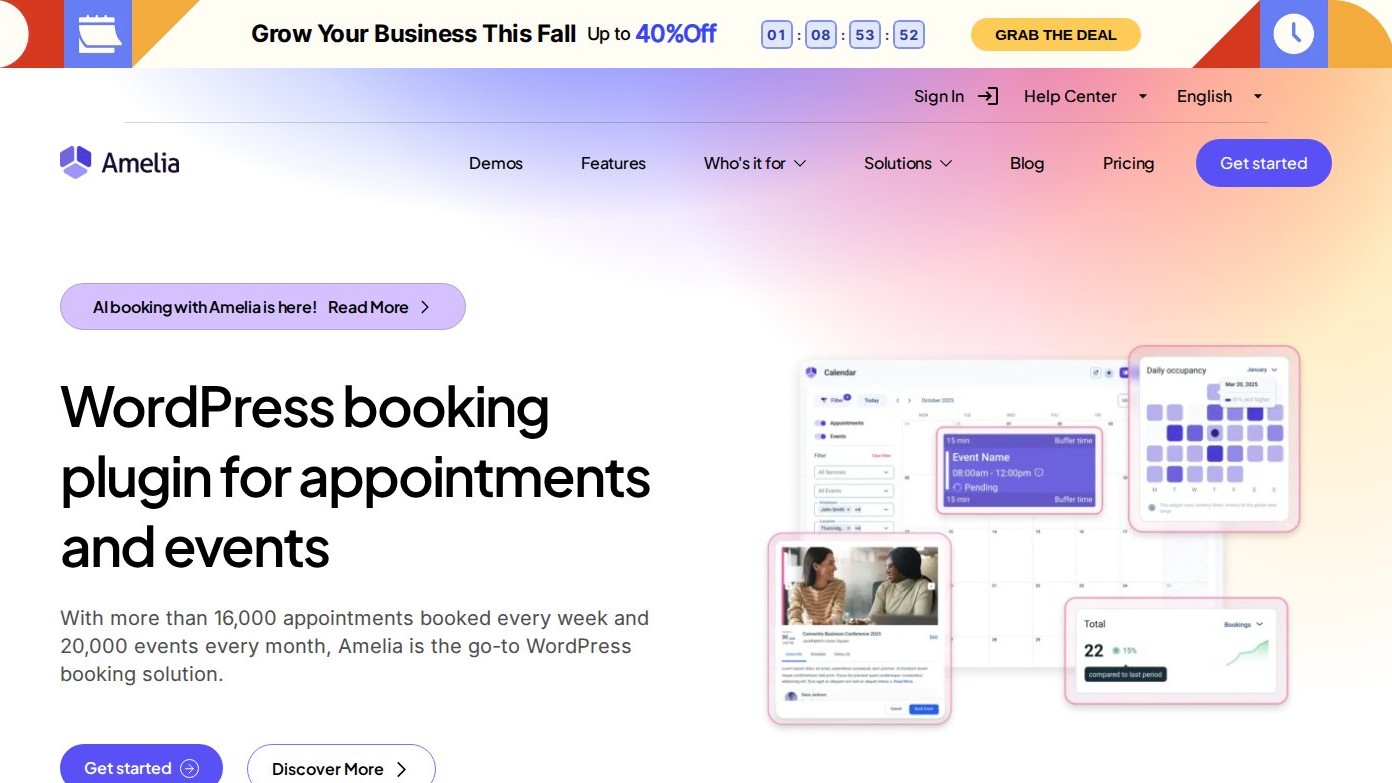
Amelia handles both individual appointment booking and event ticketing from the same install, which makes it a reasonable middle ground for businesses that need both. The free Lite version, available on WordPress.org, includes real booking functionality rather than a stripped demo, which is unusual for a free tier in this category.
Standout features:
- Two booking form styles: step-by-step wizard and catalog browsing
- Event ticketing with QR e-tickets and variable pricing
- Square payments included free; Stripe, PayPal, Mollie, and Razorpay on paid plans
- Calendar sync with Google, Outlook, and Apple Calendar
- Employee and customer self-service panels
Pros: genuinely useful free tier with a payment gateway included; combines appointments and events without a second plugin; polished booking interface.
Cons: pricing is listed in EUR rather than USD like most of the others on this list; lower tiers are capped to a single domain.
Pricing: Free (Amelia Lite) on WordPress.org. Paid plans are priced in EUR: Starter from €49/year (1 domain), Standard at €89/year, Pro at €199/year (5 domains), and Elite at €339/year (unlimited domains); lifetime licenses are also offered.
4. Eventnetic: event booking, ticketing, and reserved seating
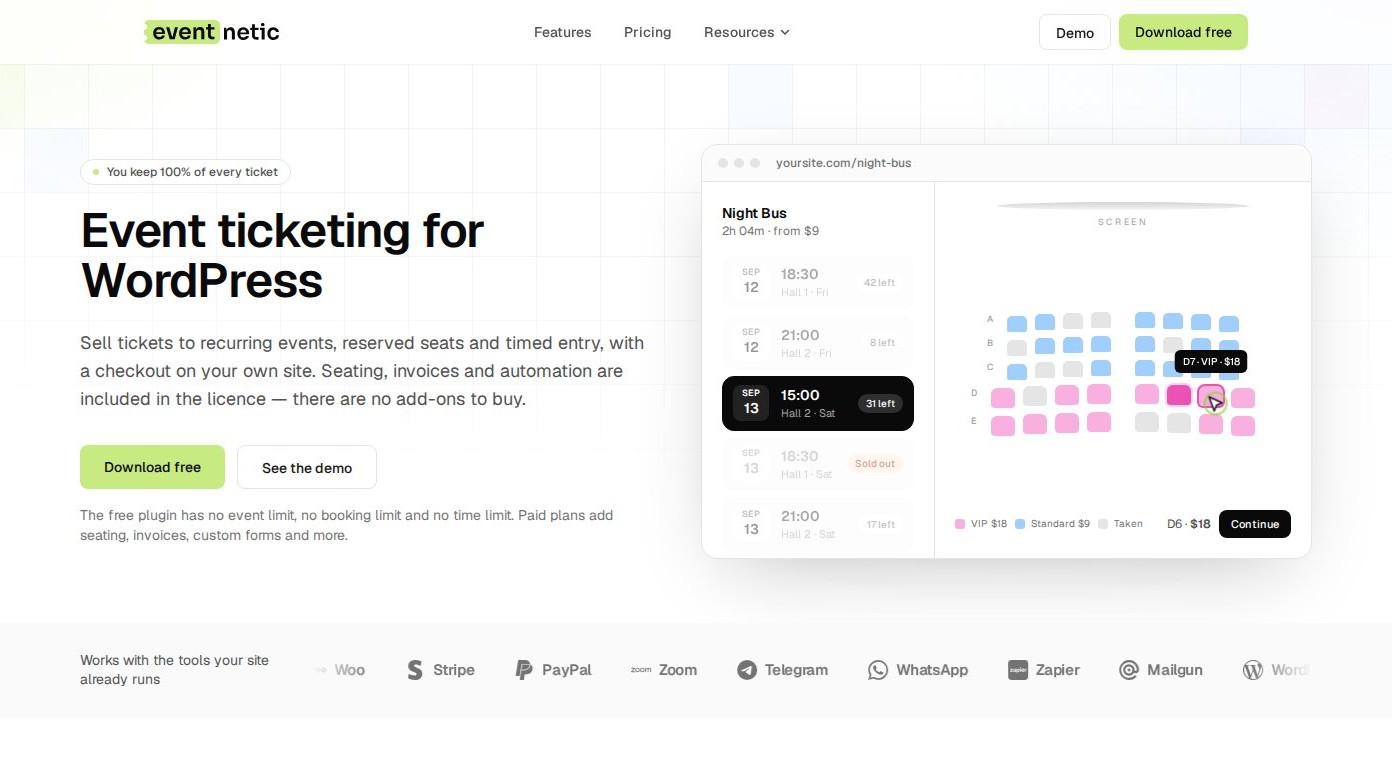
Eventnetic is a standalone event booking and ticketing plugin: create an event, sell tickets, and manage attendees from its own dashboard without needing WooCommerce. It’s a newer product, so it doesn’t have years of WordPress.org reviews behind it yet, but the free plan is unusually complete for a first release: unlimited events and bookings, with no time limit.
Standout features:
- Checkout stays on your own site, with no commission taken on ticket sales
- Recurring dates: one event with multiple dates, each with its own capacity
- Reserved seating with seat maps tied to a venue and reused across events
- PDF tickets with QR check-in
- Automation triggers with email included free, plus SMS, Telegram, and WhatsApp on paid plans
Pros: free plan has no event or booking cap; zero commission at every tier; reserved seating and recurring dates without a separate add-on purchase.
Cons: new to the market, so there’s no long track record yet; reserved seating, recurring dates, and PDF tickets require a paid plan.
Pricing: Free forever for unlimited events and bookings. Starter at $99/year (1 site), Pro at $199/year (5 sites), and Elite at $299/year (25 sites), with one-time lifetime options also available.
5. LatePoint: simple appointment scheduling

LatePoint takes a lighter approach than some of the other appointment plugins on this list. Its free WordPress.org version already includes unlimited appointments, a multi-step booking wizard, and built-in Stripe, PayPal, and Razorpay payments for a single location, which is a solid starting point before paying for anything.
Standout features:
- Multi-step booking wizard with a customer dashboard
- Built-in payments via Stripe, PayPal, and Razorpay, free
- Event booking for workshops, classes, or ticketed gatherings using the same checkout
- Analytics dashboard and activity logging
- Paid tiers add multiple locations, calendar sync, video meeting integrations, and SMS/WhatsApp notifications
Pros: genuinely usable free version with payments included; clean, well-rated booking interface; paid tiers scale by number of sites rather than by hiding core features.
Cons: advanced features like multi-location support and workflow automation sit behind the paid tiers; less of an add-on ecosystem than some competitors.
Pricing: Free on WordPress.org. Paid plans start at $79/year (Starter, 1 site), with Scale at $149/year (5 sites) and Agency at $299/year (100 sites); lifetime licenses are also available.
6. Events Manager: flexible calendars with bookings and timeslots
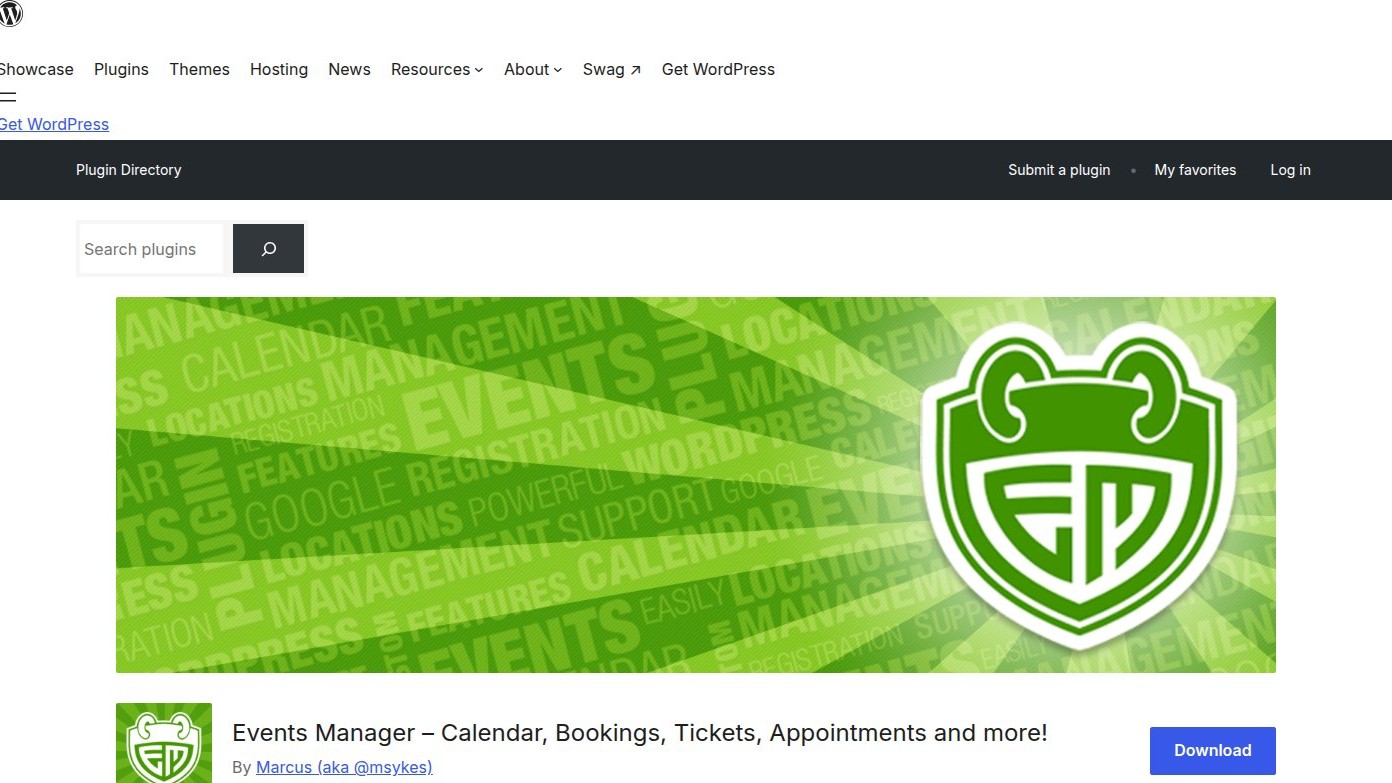
Events Manager is a general-purpose event calendar and booking plugin that’s flexible enough to run one-off events, recurring series, or timeslot-based scheduling that works a lot like appointment booking. The free version on WordPress.org already covers calendars, recurring and multi-day events, timeslots, multiple locations (including virtual ones), and free event registration with attendee management, approvals, and CSV export.
Standout features:
- Calendars, search pages, and booking forms for single, recurring, and multi-day events
- Free event registration and RSVP, with attendee approvals, confirmation emails, and CSV export included
- Timeslots within a day, usable for appointment-style scheduling with buffers
- Multisite support, including cross-network event sharing
- Online payments (PayPal, Stripe, Square, Authorize.net) and advanced ticketing such as PDF tickets and QR check-in on the Pro add-on
Pros: genuinely flexible free version covering calendars, recurring events, timeslots, and free RSVP with attendee management; long-running, actively maintained plugin with 60,000+ active installs; can double as a basic appointment scheduler.
Cons: online payments and advanced ticketing features like PDF tickets, QR check-in, and custom booking forms require the Pro add-on; WooCommerce integration is a separate purchase.
Pricing: Free core plugin on WordPress.org, including free RSVP and attendee management. Events Manager Pro adds online payments and advanced ticketing (PDF tickets, QR check-in) and is licensed annually by site count. Current promotional pricing runs $99/year for one site (regular price $129/year) up to $499/year for unlimited sites (regular $599/year); mid tiers are discounted the same way.
7. MotoPress Hotel Booking: hotel and short-term rental reservations
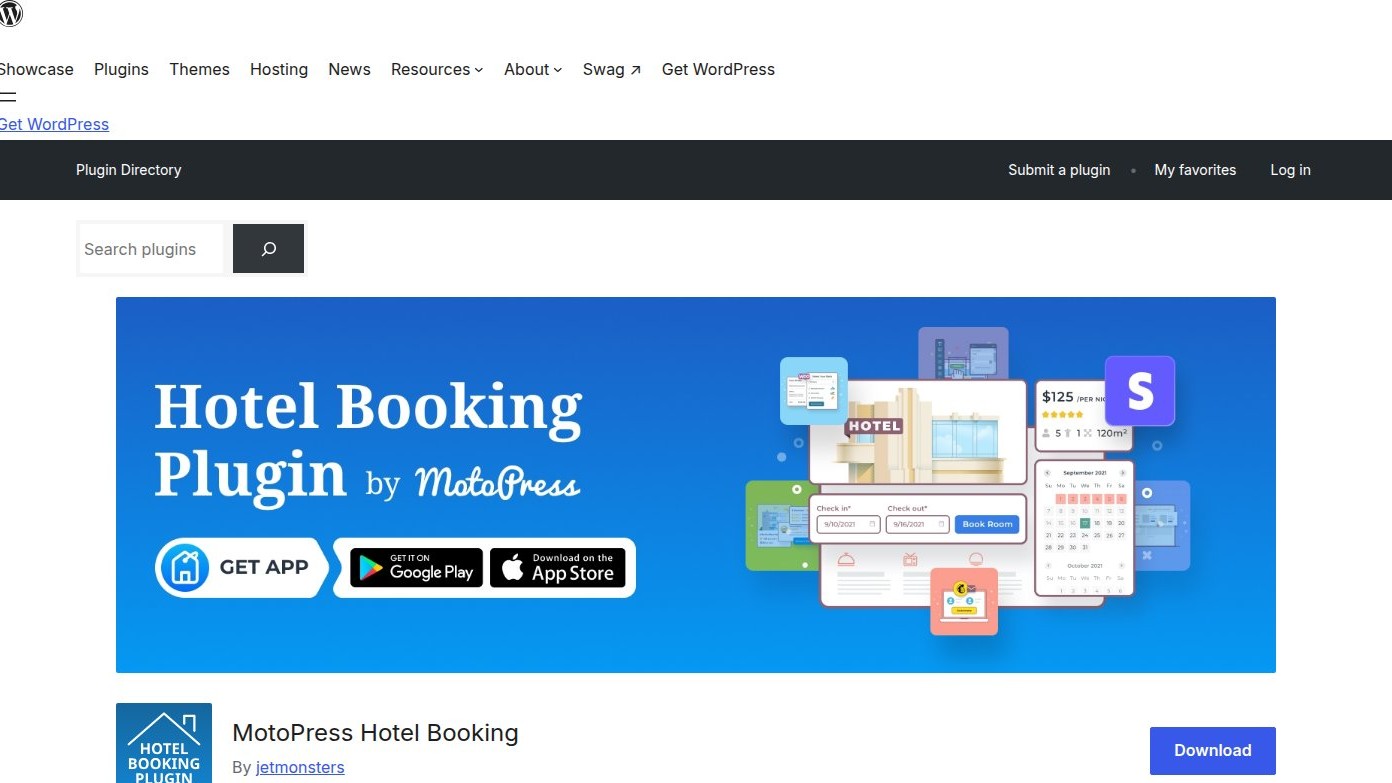
MotoPress Hotel Booking is built for a different kind of reservation entirely: date-range bookings for hotels, vacation rentals, bed and breakfasts, hostels, and campsites, rather than time-slot appointments. It’s a standalone property management system with no per-booking commission, and a free Lite version on WordPress.org covers the basics before you pay for anything.
Standout features:
- Unlimited accommodation listings with real-time availability search
- Channel manager with iCal sync to Airbnb, Booking.com, and other OTAs (paid)
- Seasonal, per-guest, and length-of-stay pricing rules
- Built-in payment gateways: PayPal, Stripe, 2Checkout, Braintree, and pay-on-arrival
- Discount coupons and an admin calendar/timeline view for managing multiple properties
Pros: solid free version for basic listings and bookings; one-time and annual pricing options; mature OTA sync for anyone already listing on Airbnb or Booking.com.
Cons: channel manager and most payment gateways beyond PayPal and pay-on-arrival require the paid version; not built for appointment-style time-slot bookings.
Pricing: Free (Lite) on WordPress.org. The premium plugin starts at $139/year (1 site) or $199/year (up to 25 sites), with a $499 one-time lifetime option for a single site.
Which one should you install?
If your business runs on appointments, Booknetic covers the most ground for salons, clinics, and similar service businesses, while LatePoint is the simpler, lighter-weight option with a genuinely useful free tier. Amelia sits between appointment and event booking if you need both in one plugin.
For selling tickets to an event, Eventnetic and Events Manager both work without WooCommerce, with Eventnetic built specifically around ticketing and reserved seating, and Events Manager suited to general calendars that occasionally need bookings too. If your business takes date-range reservations instead of time-slot appointments, such as a hotel, rental property, or B&B, MotoPress Hotel Booking is the closest fit on this list.
None of these six are the wrong choice for the right business. The real question is which kind of booking your site actually needs to handle, since that narrows the list to two or three candidates before pricing even comes into it.




 Email Subscription Request


Add your first comment to this post