

 0
0 Running a wholesale operation on WooCommerce often means managing two very different types of customers through a single storefront. Retail visitors expect a clean shopping experience with clear prices and simple checkout, while business buyers need negotiated rates, tax handling, credit terms, and the ability to place large repeat orders without friction.
B2BKing is a WooCommerce B2B plugin built to handle both sides of that equation, and it is worth walking through how it addresses the scenarios wholesale stores typically run into.
Quick Navigation
Granular Control Through Customer Groups
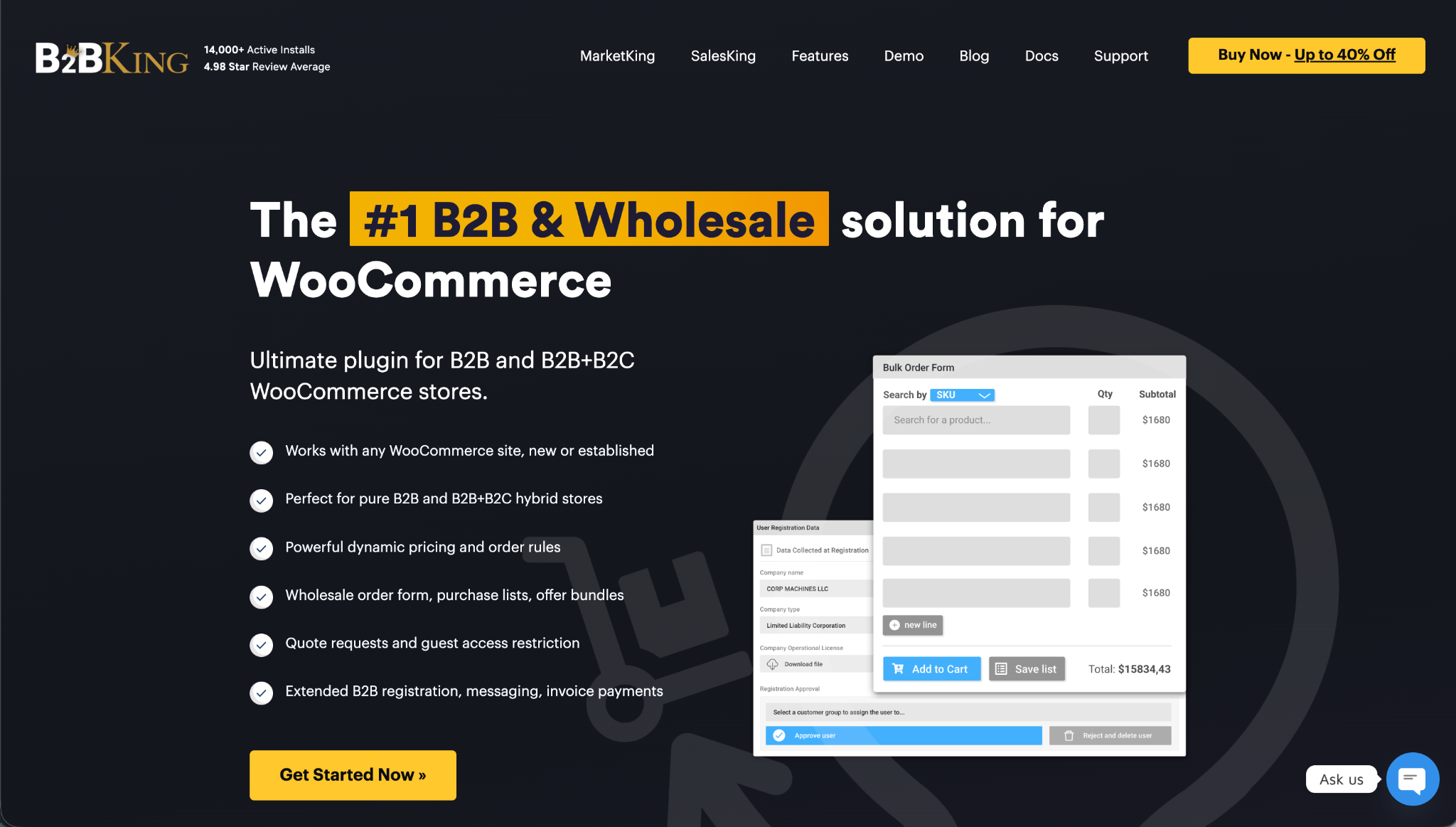
The central concept behind B2BKing is the customer group. Buyers can be assigned to different groups, and almost every aspect of the shopping experience can be tailored based on which group a customer belongs to. Pricing, shipping options, payment methods, minimum order values, discount rules, and tax treatment are all configurable independently per group.
Consider a distributor selling industrial parts to several tiers of partners. A top tier reseller might see the lowest prices, free shipping above a certain threshold, and access to payment on invoice, while a smaller retailer in a different group sees standard wholesale pricing, flat rate shipping, and card payment only.
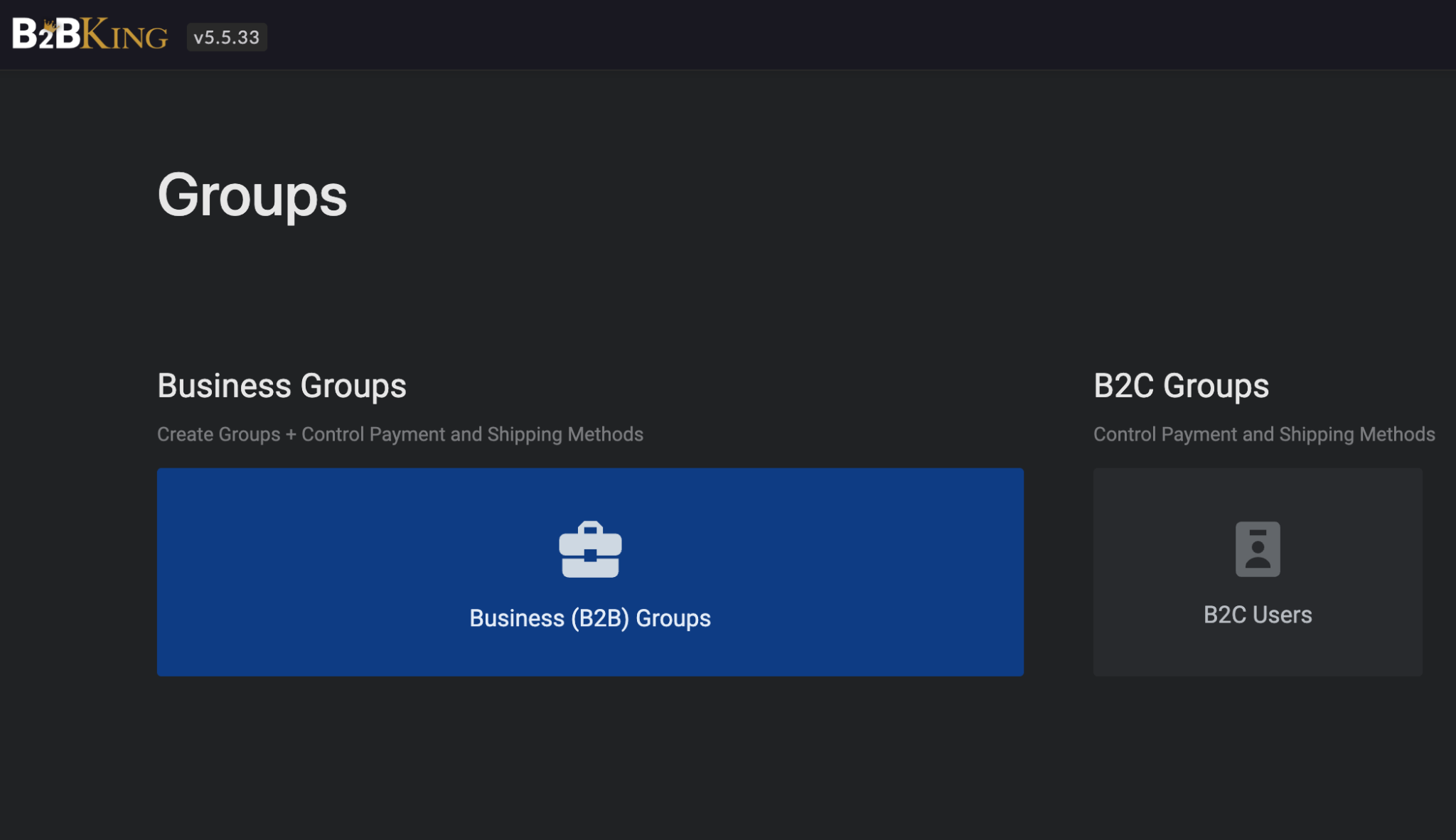
Walk-in retail customers, meanwhile, continue to see the public facing store with its own pricing and rules. All of this runs within the same WooCommerce installation rather than across separate sites.
Pricing Rules and Discounts
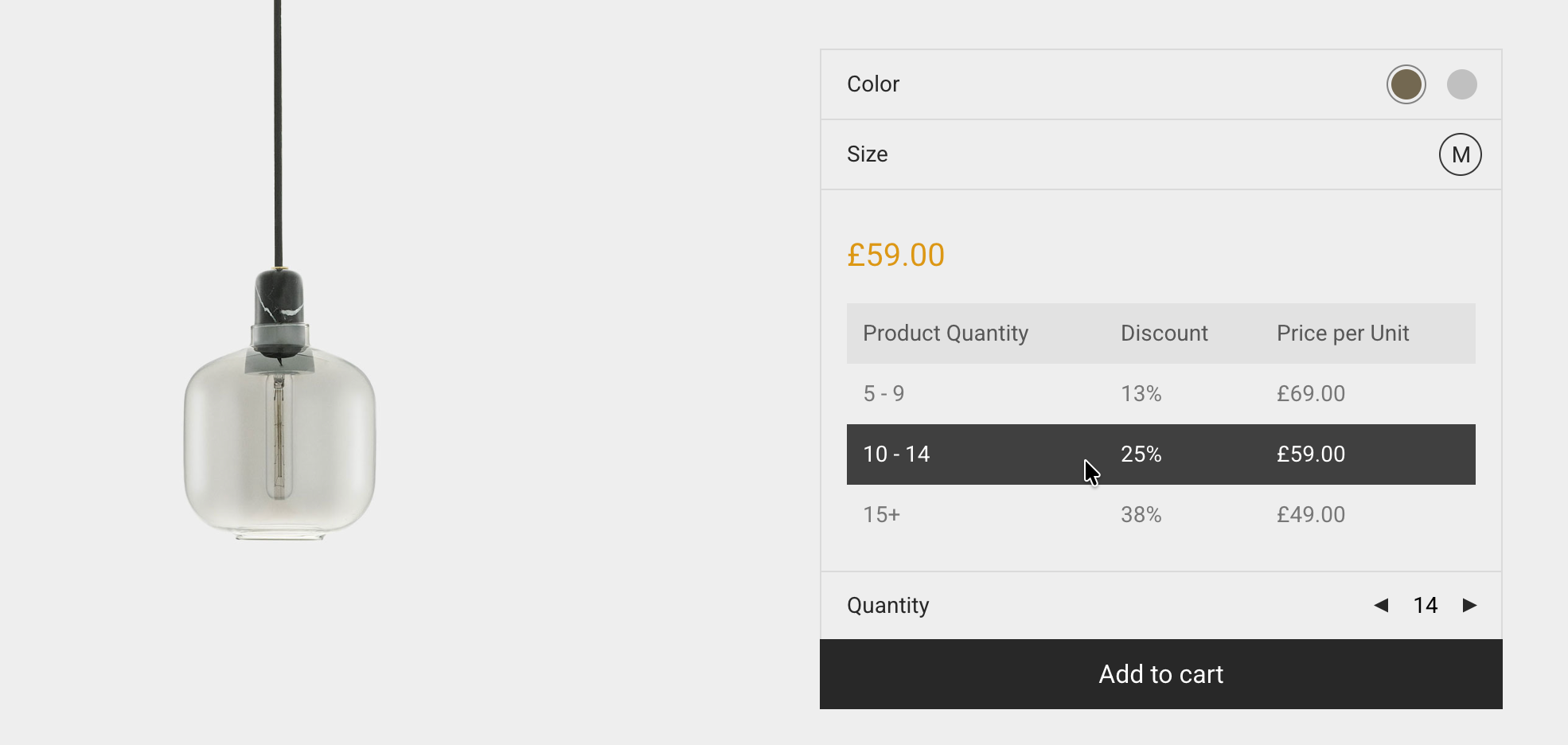
Dynamic pricing, discount, and order rules are managed through a rule engine that gives store owners room to express exactly how they want their pricing to behave. Tiered pricing tables can be generated automatically, and a separate feature allows tiered percentage discounts to be created in bulk, which saves time when working with large catalogs.
Minimum Orders, Quantities, and Step Values
Wholesale buyers are often required to order in specific increments or to meet a minimum order value, and these constraints can be enforced at both the cart level and the individual product level.
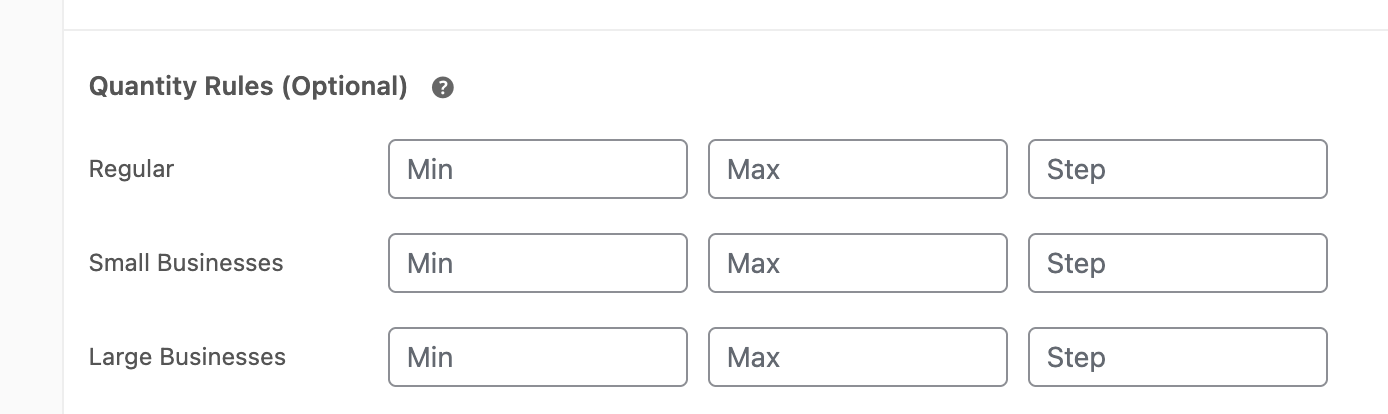
A beverage wholesaler, for instance, might require that a particular drink be ordered in cases of twelve, with a minimum cart value of two hundred euros before checkout becomes available. Minimum, maximum, and step quantities can all be set directly on product pages to enforce this kind of structure.
A rank (group rules) system is also available, which automatically moves a customer between groups based on their total purchase value. A buyer who crosses a certain spending threshold can be promoted to a higher tier without any manual adjustment, rewarding loyalty and removing an administrative task from the store owner at the same time.
Catalog and Price Visibility
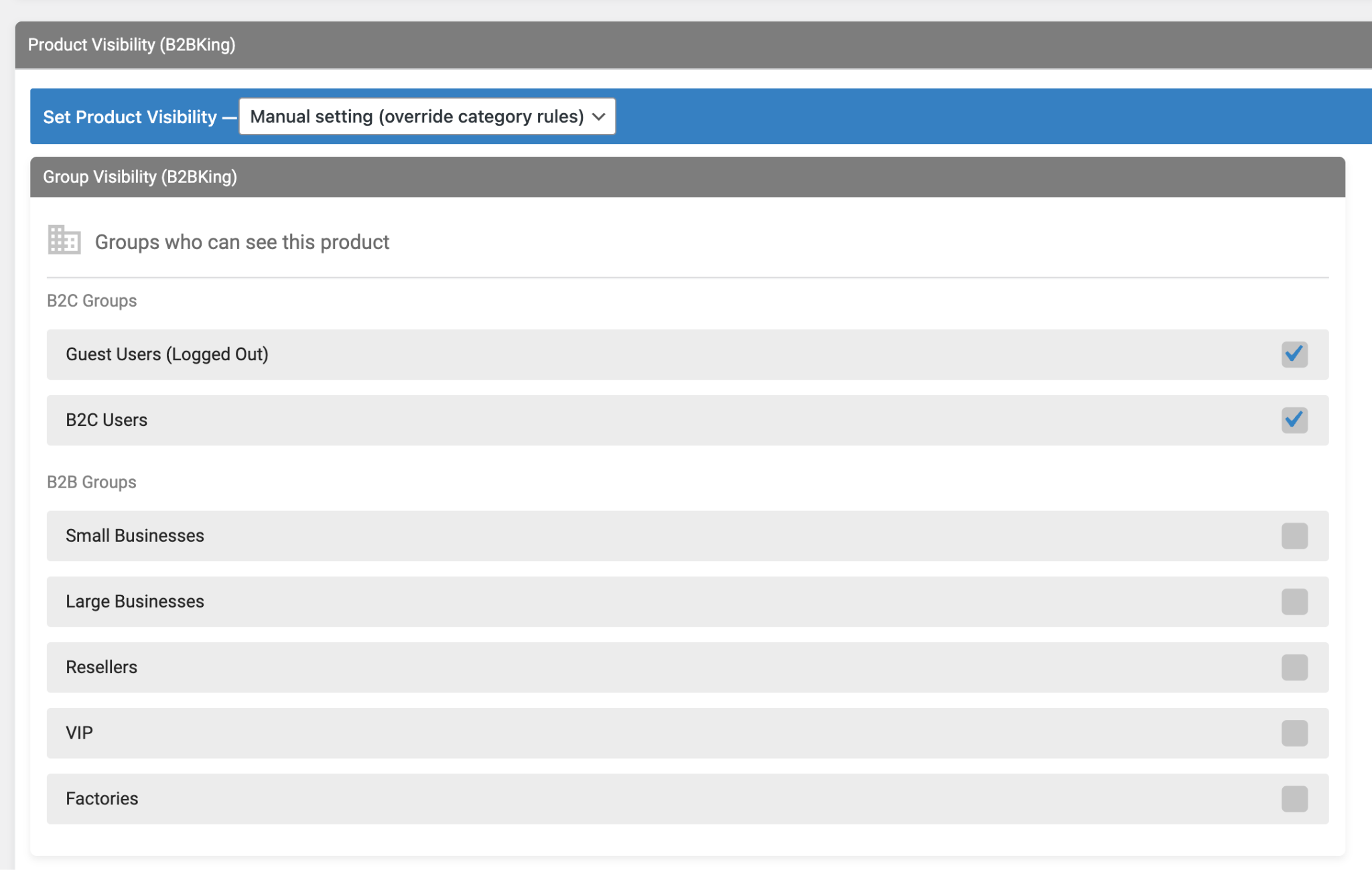
Another important feature for wholesale merchants is being able to restrict the catalog, controlling which groups and users have access to which products. Product visibility can be set so that certain items or entire categories are only shown to specific groups. A fashion brand selling exclusive lines to selected boutiques can use this to ensure those products never appear in the public catalog at all.
Prices can be hidden from guests entirely, requiring visitors to register or log in before any figures are shown, and the entire website can even be placed behind a login wall in cases where the shop should not be publicly accessible.
For businesses operating in mixed markets, prices can be displayed including or excluding tax differently depending on the user. A logged in business customer might see prices excluding VAT, while a retail visitor sees the tax-inclusive figure on the same product page. A shortcode is also available for showing different content to different users, which comes in handy when building landing pages that need to adapt based on who is viewing them.
Payment Methods, Surcharges, and Invoice Options
Payment handling is another area worth discussing in some depth. Payment methods can be restricted by group, so wholesale customers might be offered bank transfer or invoice payment while retail customers only see card options. Minimum and maximum order values can also gate specific payment methods, which helps prevent small orders from being placed on payment types that are uneconomical to process.
Surcharges and discounts can be applied based on the chosen payment method. A store that absorbs card processing fees on small orders but wants to encourage bank transfer on larger ones can offer a small discount when the buyer selects the preferred method, or add a surcharge when they do not.
A built-in invoice payment gateway and a purchase order gateway round out the payment side, both of which are commonly needed in business contexts where buyers expect to pay after receiving goods rather than at the point of order.
Quotes, Offers, and Customer Communication
Quote requests are handled natively. A contractor browsing a building supplies store can request a quote on a list of items, the store owner receives the request, and a formal offer can then be issued in response.

Custom quote fields can be created with nine different field types, so the form itself can capture project details, delivery dates, or anything else relevant to the sale. Quotes can then be converted into branded offer PDFs carrying the company logo, and these can be sent by email, including to guest users who have not yet registered. That last detail is particularly useful for early stage sales conversations where the buyer has not yet committed to creating an account.
A messaging and conversations system is also built in, allowing buyers and sellers to communicate through the store itself rather than falling back on external email threads.
Business Registration and Multi-User Accounts
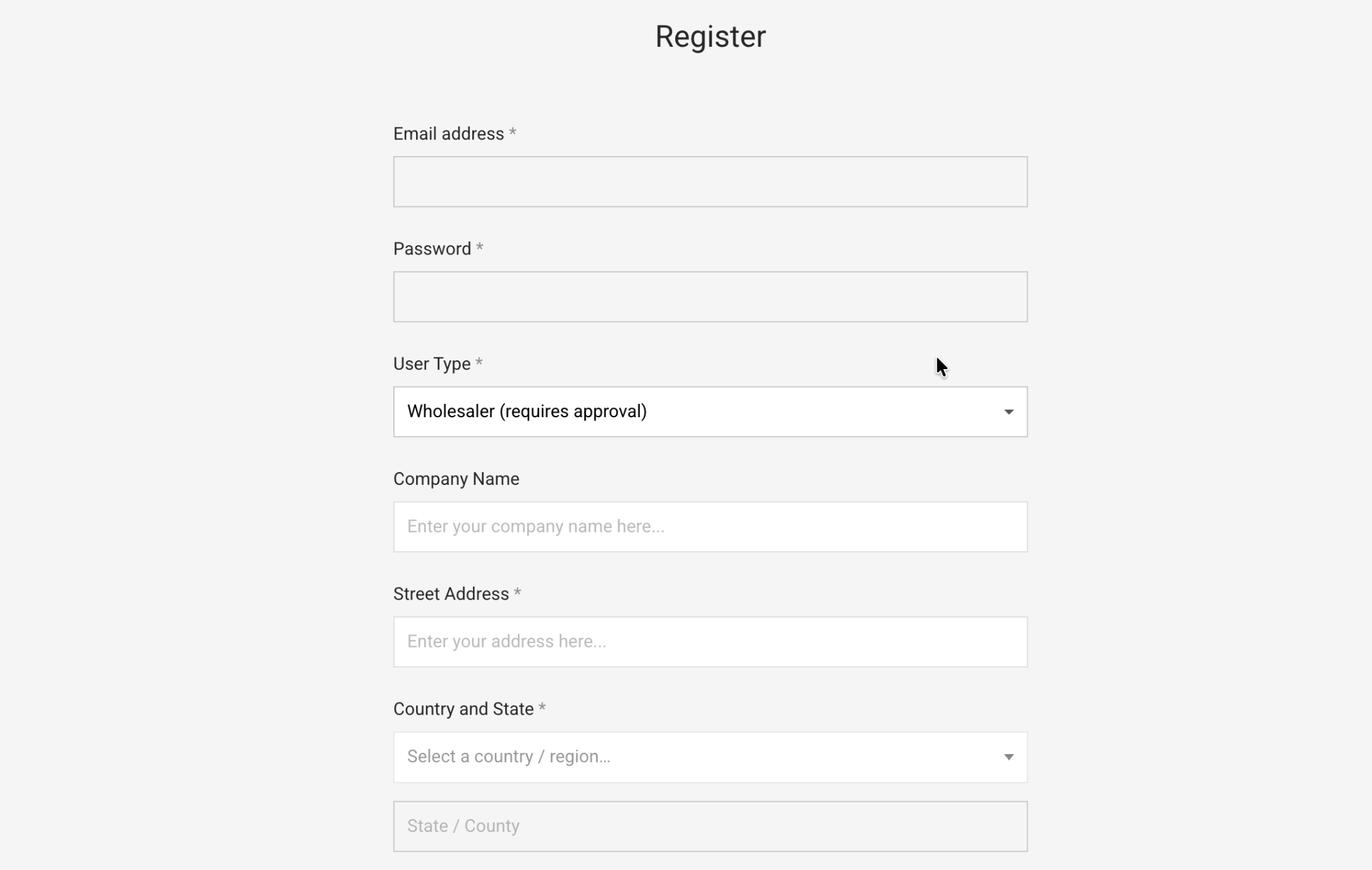
Separate registration flows for business and retail customers are provided, with business registrations routed through an approval process so that new accounts can be vetted before being granted wholesale pricing.
Multiple buyers can also be attached to a single company account, which reflects the reality that purchasing in many organizations is handled by more than one person. A company order approval workflow layers onto this, allowing account owners to review and approve or reject orders placed by their employees before those orders are finalized.
Tools for Faster Ordering and Reordering
Wholesale buyers tend to place large, repetitive orders, and several features are aimed squarely at making this process less tedious. A wholesale order form is available with three theme options, providing a more compact interface than the standard WooCommerce product pages. Quick orders can also be placed by uploading a CSV file, which experienced buyers who already know their SKUs tend to appreciate. A restaurant supplier ordering the same fifty items every week, for example, can skip browsing entirely and simply upload the list.
Purchase Lists and Variations
Purchase lists allow customers to save and reuse their regular orders, and these lists can also be downloaded as CSV files. A bulk variations table gives buyers a grid view for products with many variants such as different sizes or colors, which is common in clothing and footwear wholesale. Separate inventory tracking for business and retail customers is also possible, so that stock can be reserved or backorders enabled differently depending on the channel.
Drawbacks and Final Thoughts
The scope of the plugin does come with trade-offs worth mentioning. The interface can feel dense at first, and new administrators are likely to spend some time exploring settings before the structure becomes familiar. Depending on your use case and priorities, other B2B plugins may be a better fit. With over a hundred complex features, the plugin can have a learning curve worth mentioning.
For WooCommerce stores that need genuine wholesale functionality, B2BKing covers a wide range of common scenarios within a single plugin, and the group-based approach gives store owners a consistent framework for handling the many small differences that separate business buyers from retail ones.






 Email Subscription Request


Add your first comment to this post