

 0
0 Your new business needs a home on the internet, and for most, that home gets built on WordPress. It runs 42.6% of all sites on the internet, a scale no rival comes near. But this growth is a gift and a trap both. You need a wise plan to build a business website that your customers can trust.
In this article, we will discuss in detail each stage of creating a business website, from the first login to the launch. Keep reading to gain valuable insights on your WordPress Website checklist.
Infrastructure and Core Setup
Before even a single page goes live, everything must be set. You should pick a host built for real business websites, not a plan meant for other types of sites. Moreover, ensure the host provides firm speed, live back-ups, and real, human help when a fault hits at a bad hour.
Your domain name and your business email should match. A firm that runs its work through a free, generic mail tag looks less real to a new client, and each mismatch breaks the trust. So you should set up a proper mail host connected to your own name from day one, since a replacement later means broken links across cards, forms, and old mail chains.
As Matt Mullenweg, co-founder of WordPress, once put it, the whole point of the tool is “to democratise publishing.” That open, free base is why so many new firms turn to it first, but a free base still needs a firm frame to hold real trade.
For the infrastructure and core setup of your business website, you must lock down these parts first:
- Secure host plan with room to grow
- Domain name that matches your firm name
- Mail set-up connected to your own domain, not a free, shared tag
- Secure login with a strong, real password, not a default one
- Daily back-up plan, stored off-site, not just on your host
Design and Content
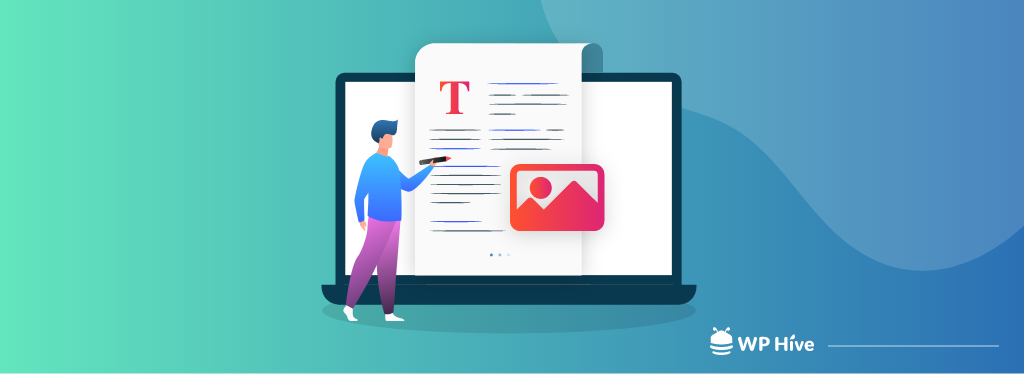
Once the core setup is done, turn to what your guests will see. You must look for a theme built with care, one that fits your business and loads fast on a phone as well as on a desktop. Keep in mind that a heavy theme that looks cluttered can drag your whole website down, no matter how sharp your goods or your trade.
Moreover, you should write each core page carefully. You need a home page that states what you do in one clear glance, an about page that builds real trust, and a contact page that makes it simple to reach you. However, you must skip bland text and poor content, as your guests will understand immediately that words were built to fill space, not to serve them.
Furthermore, photos and videos attract customers more than most new business owners think. A page of plain text, with no real image of your products, your team, or your work in place, feels thin and hard to trust. Therefore, you must take real, sharp photos of your own business rather than showing stock that a guest may have seen a dozen times on other websites. Remember, a real, true image builds trust that no stock picture ever will.
You should also think of how each page leads a guest to the next step. A page that looks nice but gives no clear information leaves a guest to click away. So each page of your business website should point, in a clear, firm way, to a next step.
When designing a website for your business, keep the following points in mind.
- Use a clean, few-colour scheme that fits your brand
- Cut clutter and leave some white space, as it helps a guest’s eye rest and read
- Match font size and style throughout the whole website. There should be no clash
- Test each page on a phone screen, not just on desktop
Essential Functionality via Plugins
Plugins are used to enhance the overall functionality of your WordPress website. Add a form plugin so guests can reach you with ease, a cache plugin to keep load times low, and a good backup plugin as a second protection beyond your host’s own plan.
However, you must be careful during this step because this is where real risk shows up. A study of core WordPress faults found that 91% of known bugs trace back to third-party plugins, not the core code itself. Each plugin you add is one more door from which a hacker can try to breach. So you must pick each plugin with real care. Check its last update date and delete all other tools you no longer use.
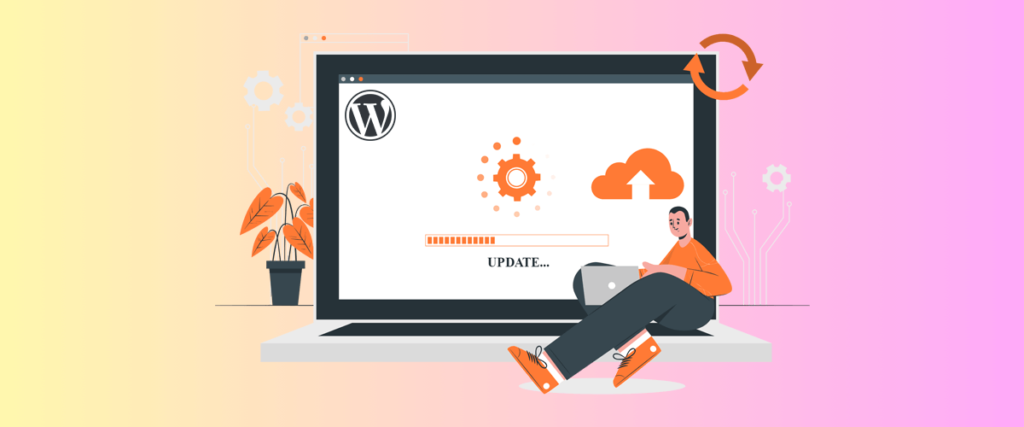
A good rule of thumb is that for each plugin you think you need, ask if a built-in tool or a small code fix could do the same task with less risk. If yes, then use that built-in feature. This way, fewer, well-kept tools keep the risk low because each plugin you drop is one less thing to patch, watch, and pay for each year. Moreover, check reviews and support logs before you add a new tool. Remember, a plugin with no update in over a year is a real risk sitting quietly on your site.
As Mullenweg has said, “Technology is best when it brings people together.” A well-picked plugin set does just that, linking your firm to each guest easily and smoothly. Therefore, you should choose a few strong, well-kept tools over a long list of half-used ones.
Main plugin picks for most new business websites are:
- Form builder for contact and lead capture
- SEO tool to guide your on-page work
- Cache and speed tool to keep load times low
- Firm security plugin with real-time scans
- Backup tool that runs on its own each day
Pre-Launch Quality Assurance
Before you make your business website live, test each part carefully. You must click each link, fill out each form, and check each page loads cleanly on both phone and desktop screens. Moreover, the speed of your business website matters more than most new owners think.
Per Google’s own study, 53% of mobile guests will leave a site that takes past three seconds to load. This is proof that a slow business website loses trade before a guest ever reads your first line. Therefore, it is wise to have a proper look through your website before launching it.
Keep in mind that a customer who has never seen your website can spot a fault your own tired eyes may not. Whether it is about a mixed-up menu or a page that reads odd on a small screen, people notice everything. So, you should ask a friend to walk through your site as if they were a new client, and note each error that comes their way. However, you can also hire a professional tester for this task. These experts have years of experience in dealing with different types of websites, so they can better help and guide you.
Here is a basic pre-launch checklist for your business website.
- Test each form and each link, one by one
- Check page load speed on both mobile and desktop
- Proofread each page to find potential typing mistakes
- Check that your website shows well on each main browser
- Test your checkout or booking flow
SEO and Security
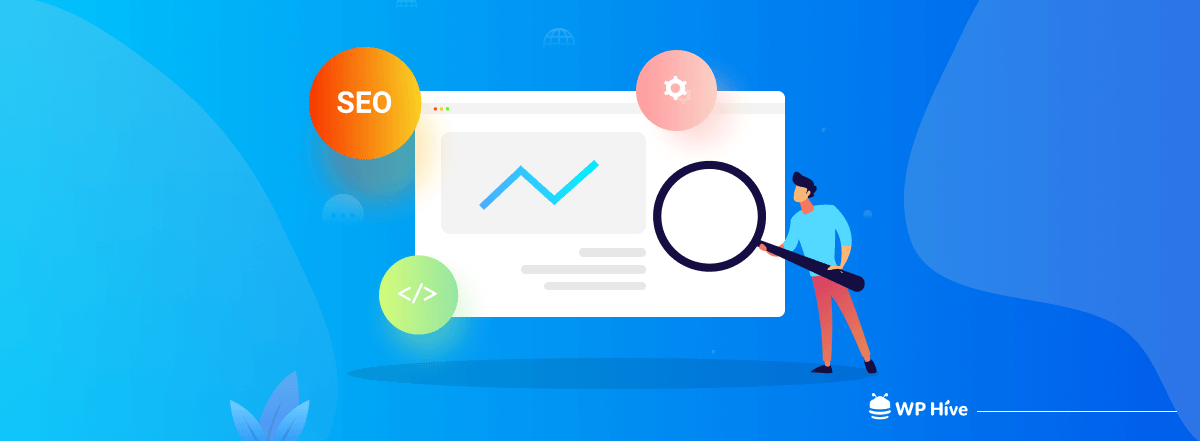
You have the best websites, but if no one comes to visit it, there will be no sales. That’s why you must set up basic on-page SEO. There should be clear page titles, plain meta text for each page, and image tags filled in with real, plain words. Also, connect your site to a search engine’s own console, so you can track how guests find your business.
Moreover, keep in mind that your business website needs the same protection as your home’s front door. So you must add a firewall, keep your core files and each plugin up to date, and set real, strong login rules for each staff member who can reach your back-end data.
Do not stop at the security tools alone. You should also need to build some good habits. So set a firm day each month to check your business website’s health. Run a scan, check each plugin for a fresh update, and look into your traffic logs for a spike or a pattern that looks off. However, a small firm has no need for a full-time IT team, but it requires one steady hand who owns this task, checks in, and monitors your website regularly.
Here are some valuable steps that you can follow to make your business website more secure.
- Set up SSL encryption, so your site shows as safe and locked
- Run updates on your core files and plugins each week
- Limit login attempts to block a brute-force guess attack
- Set a real back-up plan that is properly tested, not just set and left
FAQ Questions About WordPress Website Checklist
What should every WordPress business website include?
Every business website should include reliable hosting along with a server control panel, a professional domain, essential pages, contact forms, SEO optimization, security measures, backups, and performance testing before launch.
Which plugins are essential for a WordPress business website?
Most business websites need:
- Contact form plugin
- SEO plugin
- Caching plugin
- Security plugin
- Backup plugin
How do I prepare a WordPress website before launch?
Test every page, form, and link. Check mobile responsiveness, improve loading speed, proofread content, verify SSL, and ensure all plugins are updated.
How often should I update my WordPress website?
Update WordPress core, themes, and plugins at least once a week. Monitor backups and run regular security scans.
Why is website speed important?
A fast website improves user experience, search rankings, and conversions. Slow pages increase bounce rates and can reduce customer trust.
Conclusion
A well-built website does not need a huge budget, but it needs real care at each stage. For your business website, you need a firm base, clean design, smart plugin picks, a hard pre-launch test, and firm protection. Move through the above list step by step, and your new business website will stand ready to earn real trust and real trade from day one.



 Email Subscription Request


Add your first comment to this post